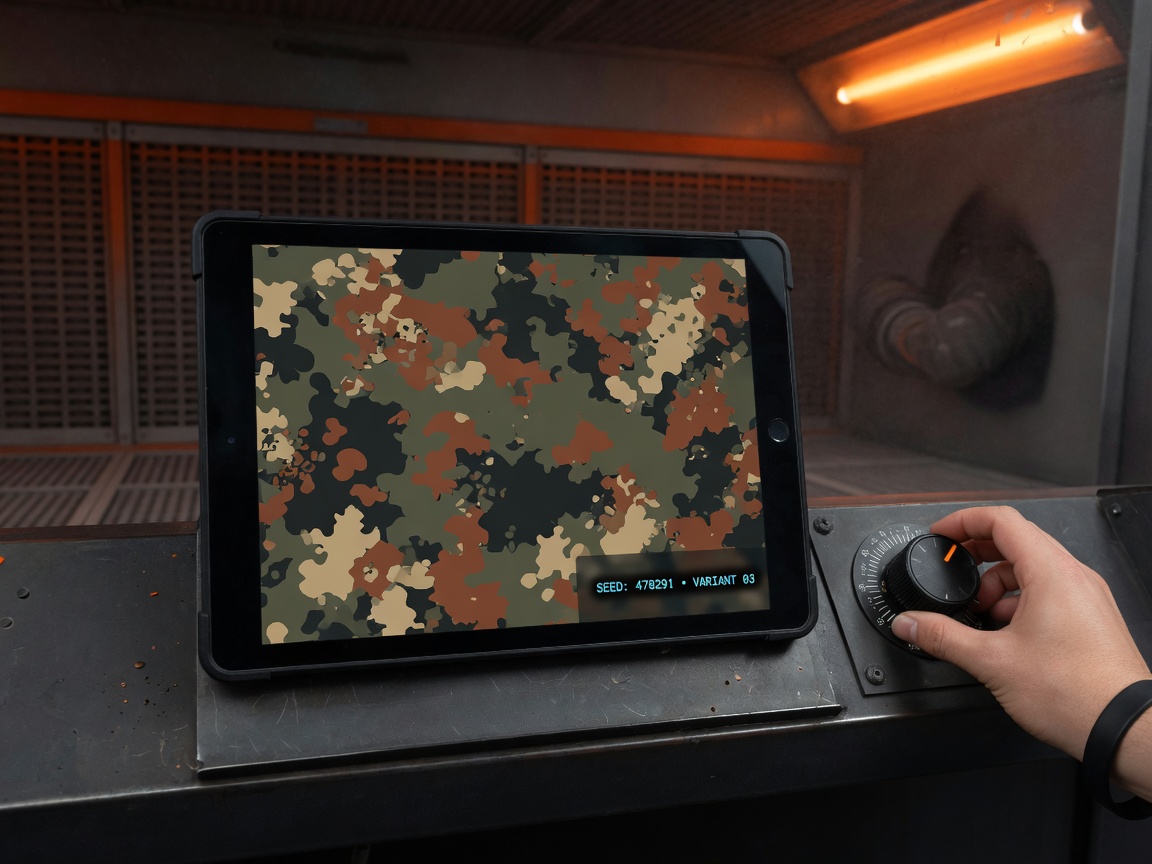
Build the camo.
Show the customer.
Spray it right.
Create shop-ready Cerakote camo previews using real H-Series colors — then export the pattern, spray order and job specs.
Built for real shops
Everything you need from counter to booth.
-
Real Cerakote colors
140+ H-Series colors mapped directly into your design.
-
Shop-ready patterns
M81, digital, tiger stripe, Flecktarn, duck hunter and more.
-
Repeatable results
Lock your seed and recreate the exact pattern later.
-
Production-ready exports
PNG, SVG, spec sheet and seamless tile export.
Try it yourself
See your customer’s camo before you spray it.
Pick a pattern. Choose real Cerakote colors. Adjust and preview — all in your browser.
Try the M81 DemoNo signup or card required for the demo
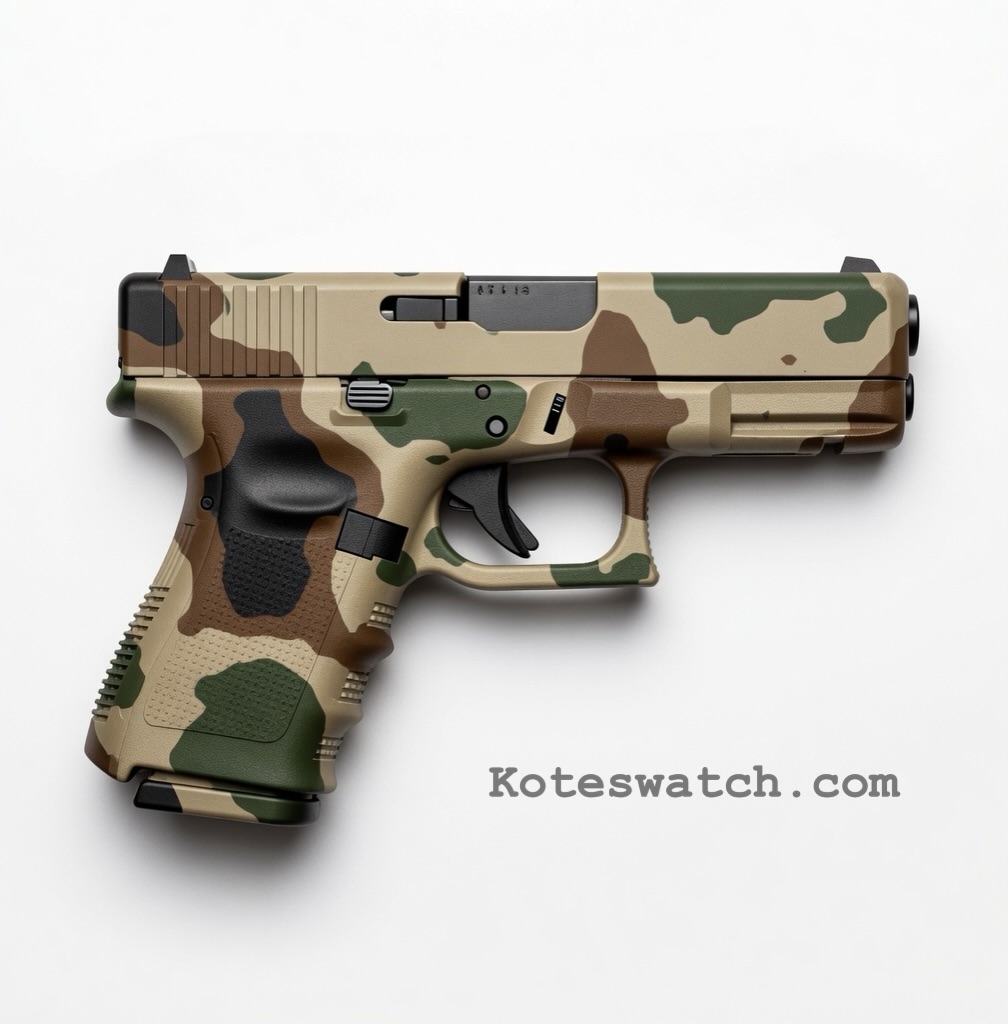
How it works
Three simple steps.
-
1
Pick a pattern
Choose a pattern your customer already knows.
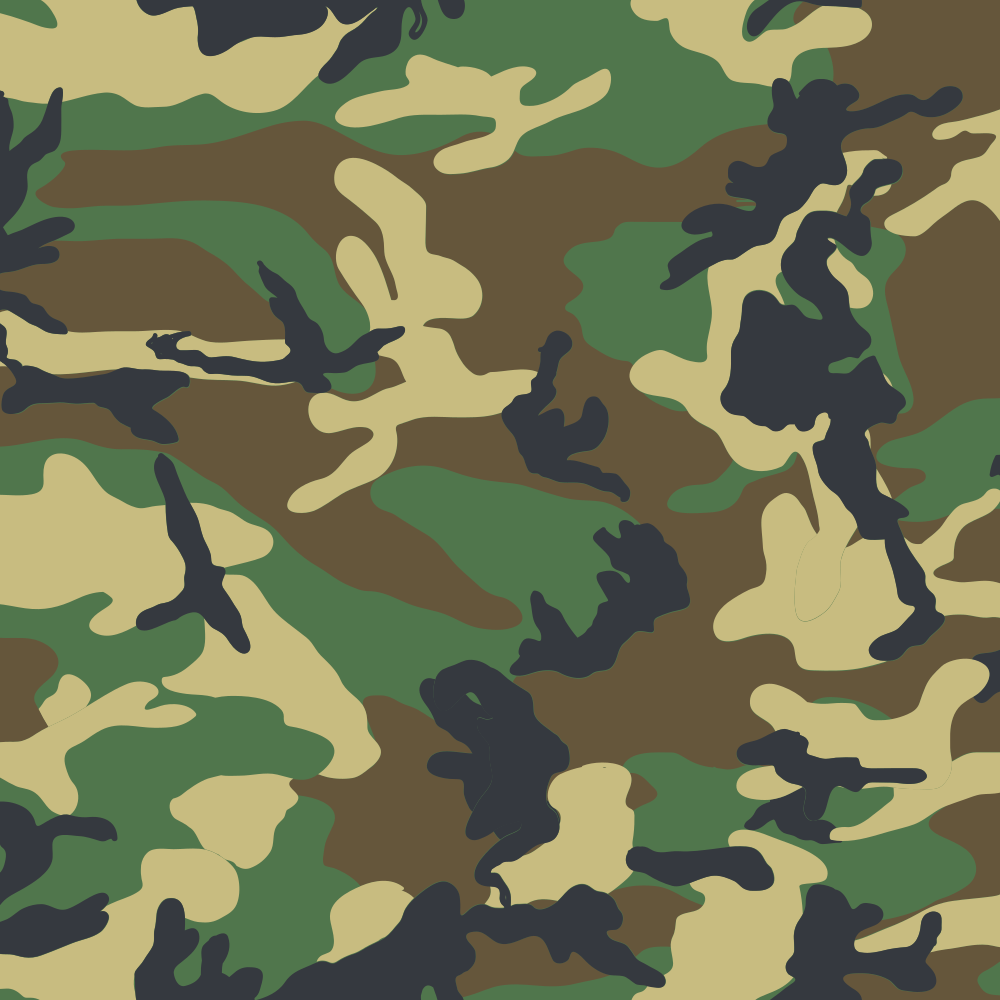
M81 Woodland
-
2
Build the palette
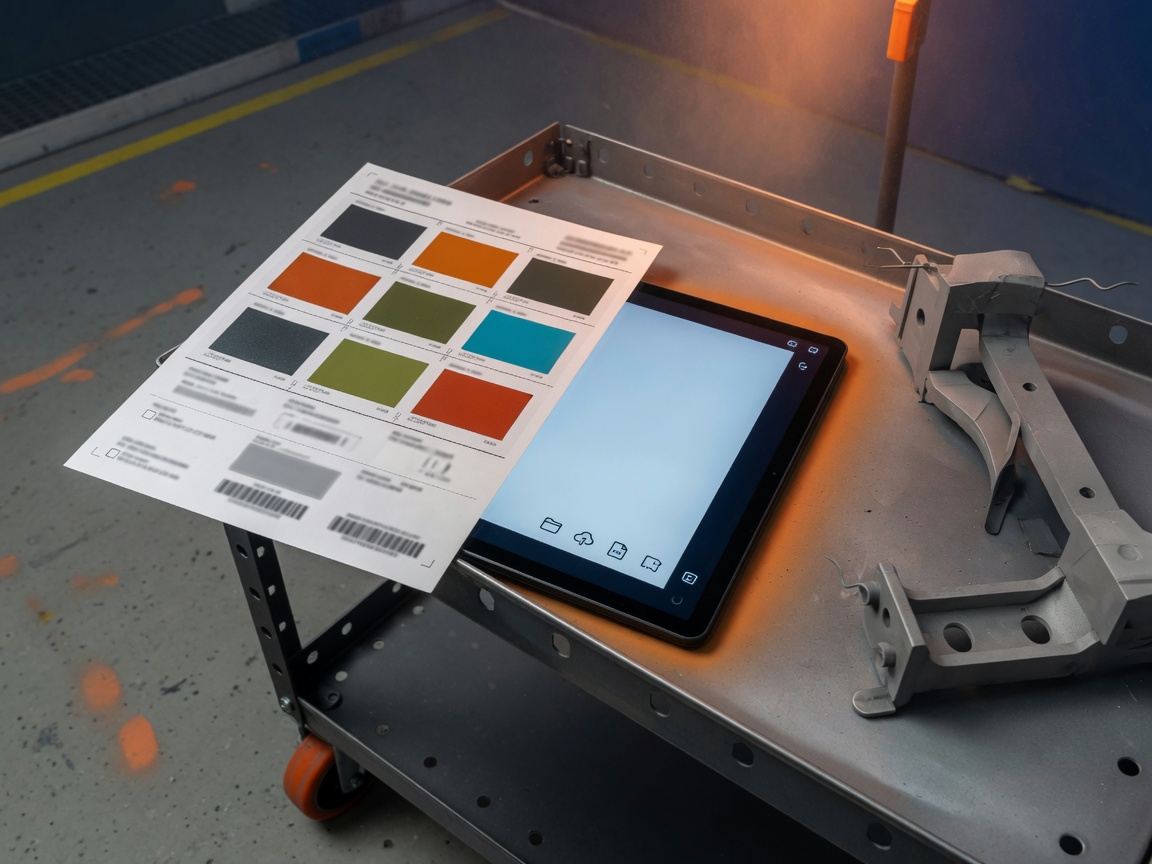
Assign the Cerakote colors you’ll spray.
-
3
Export and spray
Save the seed and export your job specs.
- PNG
- SVG
- Spec sheet
- Tile
Simple pricing
Tools for every shop.
-
Solo$19/ month
For one applicator
Billed monthly
- 1 user
- All 14 patterns
- 140+ H-Series colors
- All exports
- Job Ticket (PNG + Spec)
-
Most popular
Shop$49/ month
For counter + booth
Billed monthly
- 5 users
- Everything in Solo
- Shared job seeds
- Shared palettes
- Priority updates
- Job Ticket (PNG + Spec)
-
Fleet$129/ month
For high-volume shops
Billed monthly
- 20 users
- Brand palette kits
- Priority custom patterns
- PO / invoice billing
- Onboarding
- Job Ticket (PNG + Spec)
Prices in USD. Annual prices shown as monthly equivalent (billed once per year). Seats are named users who log into the generator. You’ll sign in once (if needed), then complete payment securely on Stripe’s checkout page. Trying it out? Use code FREEWEEK at checkout for a week on any plan. The M81 demo does not need a card. Need more than 20 seats or white-label branding? Contact us.